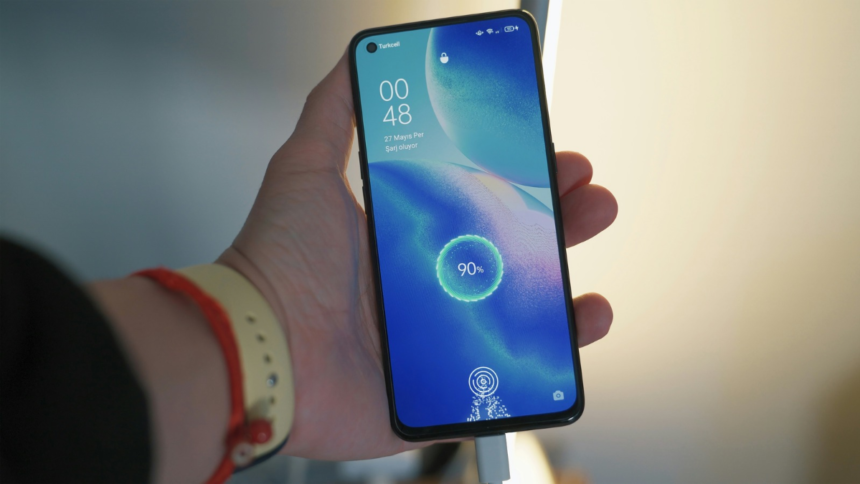
Android smartphones of all kinds, regardless of their battery capacity, start to run out of battery faster. This is because all batteries lose their original capacity with each charge cycle, eventually depleting and deteriorating beyond use. However, if you are a heavy user and your Android phone keeps conking off before you would want it, there are multiple healthy practices you can follow. You can also tweak your smartphone’s settings to get the maximum battery life from it. There are also a few processes that run in the background, draining your phone’s battery without your knowledge. Changing these settings can help you avoid unexpected shutdowns.
If your Android phone runs out of battery quicker than you expect it to, we have prepared a step-by-step guide on how you can extend your Android handset’s battery life as much as possible.
Reasons Your Android Phone’s Battery Could Be Draining Faster
There could be multiple reasons behind your Android phone’s battery draining faster than you expected it to. If you constantly use your handset on high screen brightness, your phone’s battery life could get negatively impacted, since a lot of the power goes to powering the device’s display. Similarly, if there are multiple apps and processes running in the background, which you are not actively using, your Android phone could be utilising its battery without your knowledge.
Similarly, if you have turned on Wi-Fi, cellular, or Bluetooth, even when you are not using these connectivity features, your phone could be constantly searching for other devices to pair with or use the modem to keep sending you updates. On top of this, if you have not turned on screen timeout on your Android smartphone, it could be left with its screen turned on for a long period of time even when it is not in use, draining your phone’s battery.
Apart from this, location services, including Google Maps and other navigation apps, constantly track your device’s location. Google says that this can keep draining your Android phone’s battery, whether you are using it or not. Also, in the Light mode, your smartphone utilises more battery power to reproduce lighter shades, especially if your phone has an AMOLED display. However, it is worth noting that all phones eventually lose battery capacity with usage, as they get depleted.
How to Improve Battery Life of Your Android Phone
- Enable Adaptive Brightness: You should enable adaptive brightness from your phone’s control centre or Settings menu, allowing your Android handset’s ambient light sensor to adjust based on the environment. This allows your device to only utilise the power that is needed.
- Manually Reduce Your Android Phone’s Screen Brightness: If you still feel that your Android phone’s screen brightness is too high, you can manually adjust it to an optimal level to increase its battery life.
- Reduce Screen Timeout: From the Settings menu on your Android smartphone, you must reduce the screen timeout timer. Hence, your handset’s display will not be left turned on when it is not being used.
- Turn Off Keyboard Sounds and Vibrations: The vibration motor and unnecessary keyboard sounds also utilise a lot of battery life. You can turn off keyboard vibrations and sounds from the Settings menu > Keyboard Settings.
- Manage Notifications: You must also manage the number of notifications your Android phone is receiving. If you only allow necessary notifications to send alerts, your handset can potentially offer longer battery life.
- Restrict background app activity: One of the most important things to do is to restrict background app activity. This system allows your Android phone to put unused apps to sleep, which would otherwise let them run and refresh in the background. You can restrict background app activity from the Settings menu > Background app activity.
- Enable battery saver mode: If your Android phone is about to run out of battery, you can turn on the battery saver mode from its Quick Settings menu or control centre.
- Turn on Dark Mode: You must also switch on Dark Mode to extend your Android phone’s battery life. If your phone has an AMOLED screen, it would allow the pixels to turn off in places where it needs to reproduce the black colour.
- Avoid Overcharging and Completely Draining Your Phone’s Battery: To further extend your Android phone’s battery life, you must avoid overcharging your handset or allowing it to conk off before putting it to charge.
- Avoid Extreme Temperatures: You must also avoid using your Android phone in extreme temperatures to extend its battery life.
- Delete Unused Accounts: Google advises Android phone users to delete unused accounts from their handset to extend its battery life.
FAQs
1. Why is my Android phone’s battery draining faster than it did before?
There could be multiple reasons behind your Android phone’s battery draining. One reason could be that its battery health has deteriorated over time.
2. Are there any best charging practices I can follow to extend my Android phone’s battery life?
Yes, you can extend your Android phone’s battery life by avoiding overcharging or completely draining your handset’s battery before putting it on charge.
3. Can closing apps running in the background extend my Android phone’s battery life?
Yes, Google advises Android phone users to close apps running in the background to extend their phone’s battery life.
Get your daily dose of tech news, reviews, and insights, in under 80 characters on Gadgets 360 Turbo. Connect with fellow tech lovers on our Forum. Follow us on X, Facebook, WhatsApp, Threads and Google News for instant updates. Catch all the action on our YouTube channel.